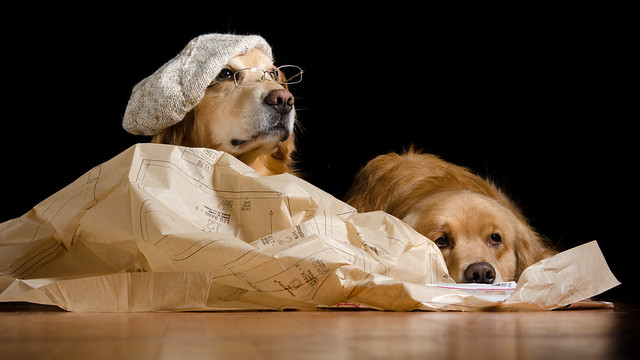
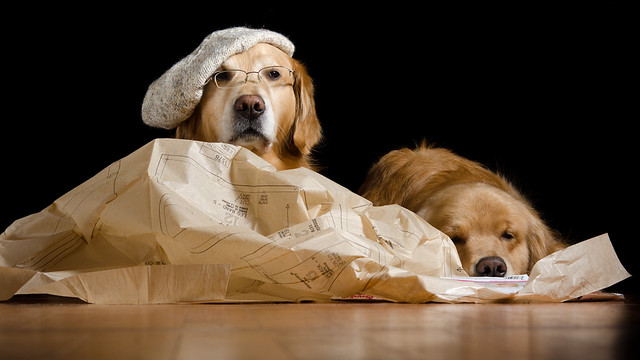
What I Wanted
Ready...
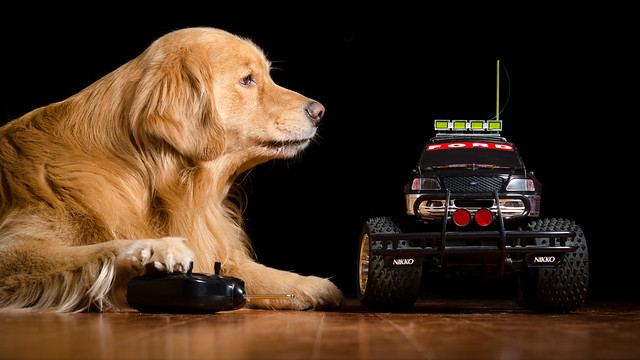
Set...
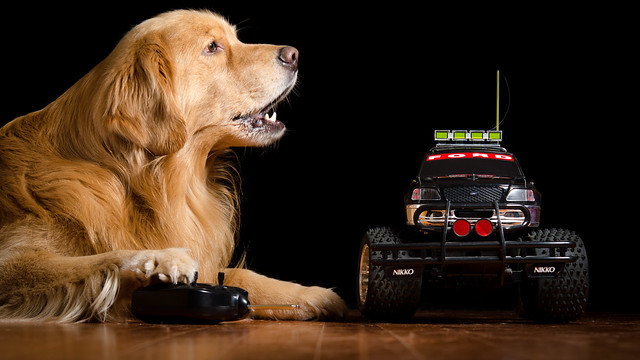 |
| Henry: "Go!!!" |
What Henry Wanted
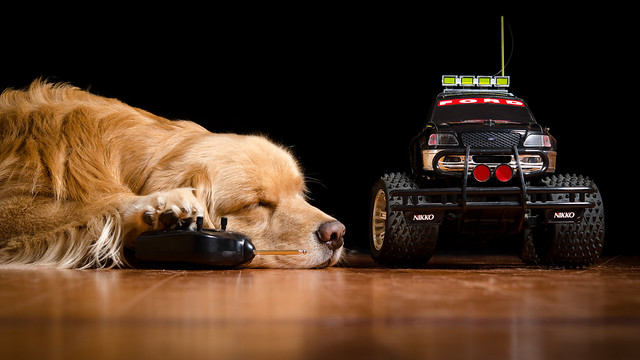 |
| Henry: "Zzzzzzz" |
Dog Blog Post #2021
Henry, playing (or snoozing) with a Cool RC Truck.
Photography Assignment
Our Daily Challenge - Jan 9, 2015 - "Cool"
Daily Dog Challenge 1531. "Dog In Charge"
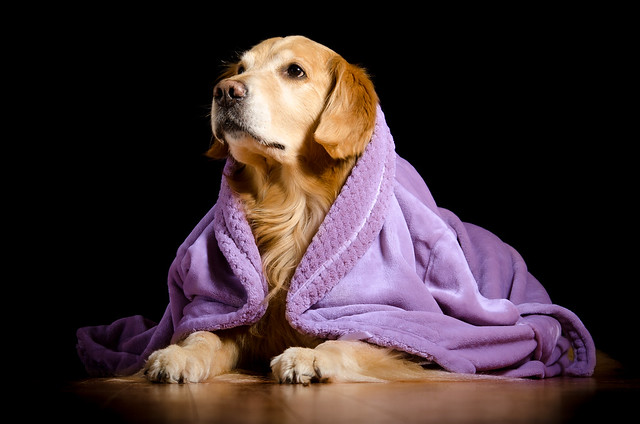
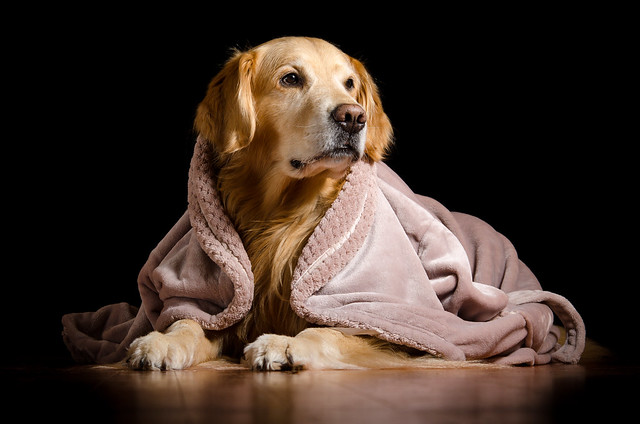
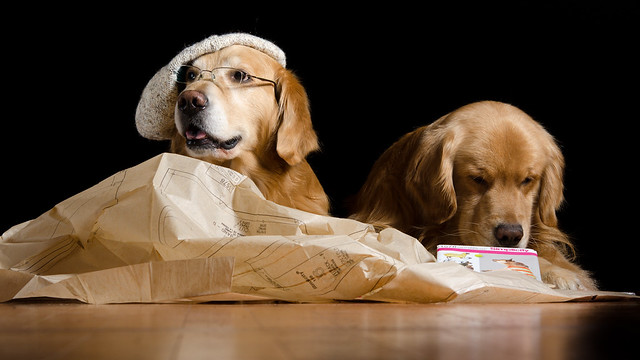
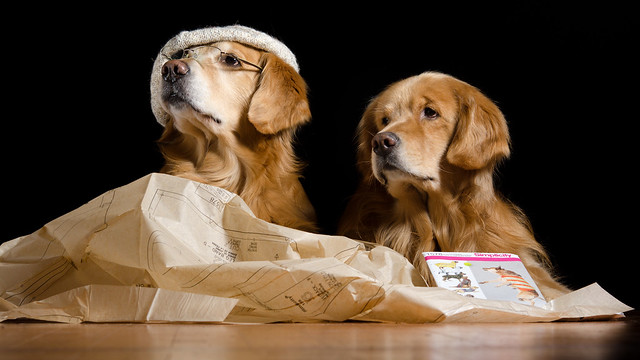
Alas, I spent too long watching (mostly bad) football (again) and by the time I ushered the models into the studio they were no longer "feeling it".
(sigh)
Behind The Scenes
For Grins-and-Giggles...
Here's the progression to create yesterday's backdrop.
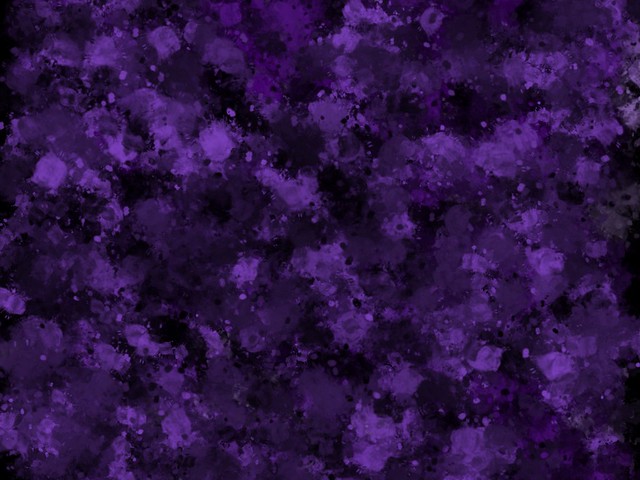 |
| Meritum Emulsion |
Meritum Emulsion is a simple iPad app where you pick one or more colors (I picked a pale and darker purple), the kind of "brush" you want (officially "Sinope", but it looks like paint splats to me) and set a couple simple parameters controlling size/speed/distance of the splatting. Then you "finger paint" across the screen and watch paint blobs in shades of your selected colors get flung across the image in swirling random ways.
It's quick (just a few seconds to create the entire image) and fun.
I then imported the image into PicsArt (an iPad app more in the scrapbooking family) where I played with the various filters.
This is the Sheer filter, which I found quite pleasing...
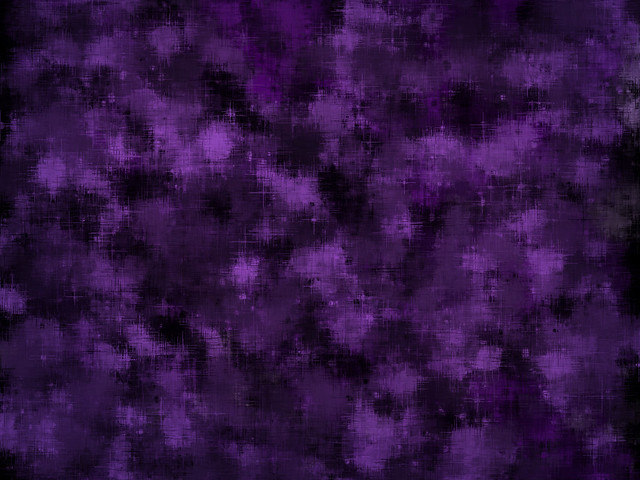 |
| ... plus the Sheer Filter. |
... but the final image wasn't quite what I was was thinking of my picture - although good enough that I saved it and might yet use it someday for something else.
Anyway, I took the original Emulsion image and switched to the iPad Procreate app - a REALLY nice true Art app with tons of features in a surprisingly powerful and robust yet easy to use app that includes brushes, textures, colors, layers, scaling... etc.
Here, I picked up a light shade of the purple and used a wallpaper like brush to create a uniform pattern.
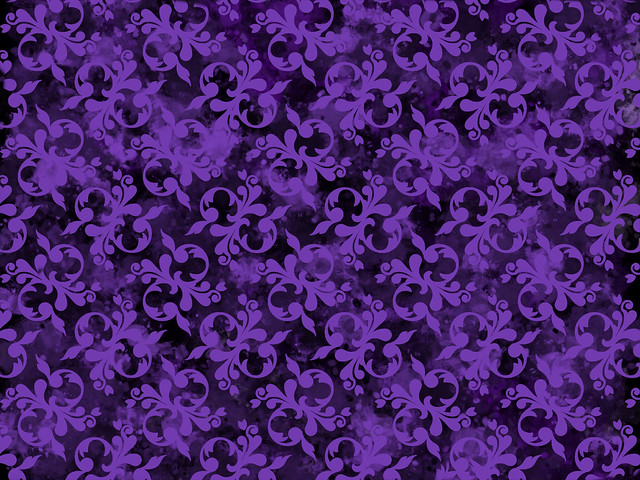 |
| After Procreate |
It was more what I had in mind, but it looked way too uniform and "neat".
So I dropped it into PicsArt for a spin through that Sheer filter and then added a vignette.
Then I popped it into Lightroom (Big Computer Application) to apply a slight warming mask in the middle, before shuffling it on its way to meet up with Henry's masked picture in Photoshop Elements.
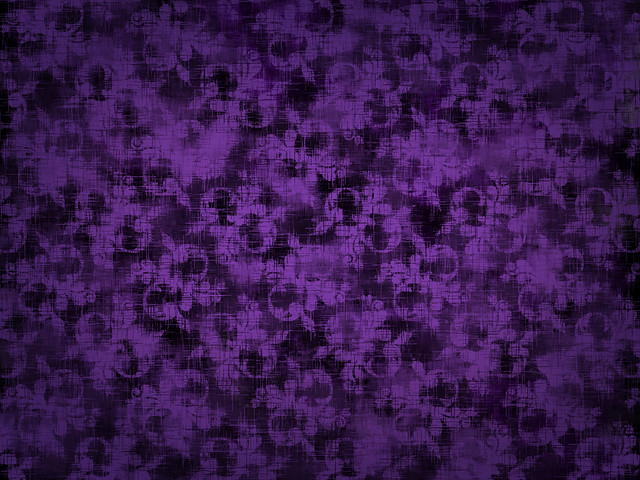 |
| The final backdrop |
Once again, the final image with Henry "applied"...
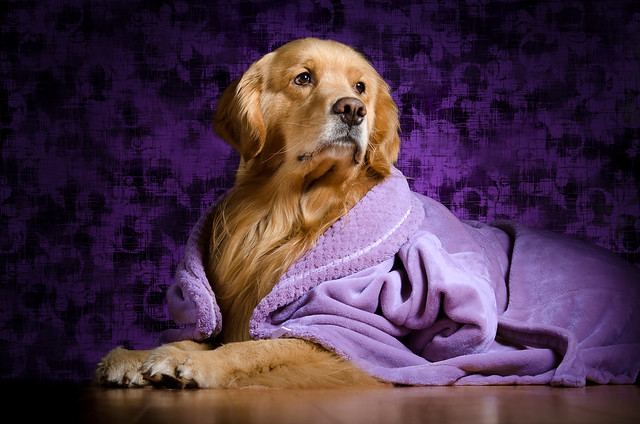
... and some selective darkening (done back in Lightroom) in places where I know Henry would normally cast a shadow on a real backdrop, if one was there - mostly on the left side. This is to try to cut down on the Decoupage Effect - something I'm still struggling to come up with solutions for.
This also hid an ugly hard line between the edge of the digital purple backdrop and the very real floor Henry was laying on - on the left, just visible at the tip of his far paw where it touches the floor and extending to the edge of the image.
I also darkened Henry's rump a bit, but I think that was less successful (or perhaps less necessary).
-- Like the idea of a daily dog photography prompt? Click on Daily Dog Challenge and join us!
© 2016 BZ Dogs - All Rights Reserved